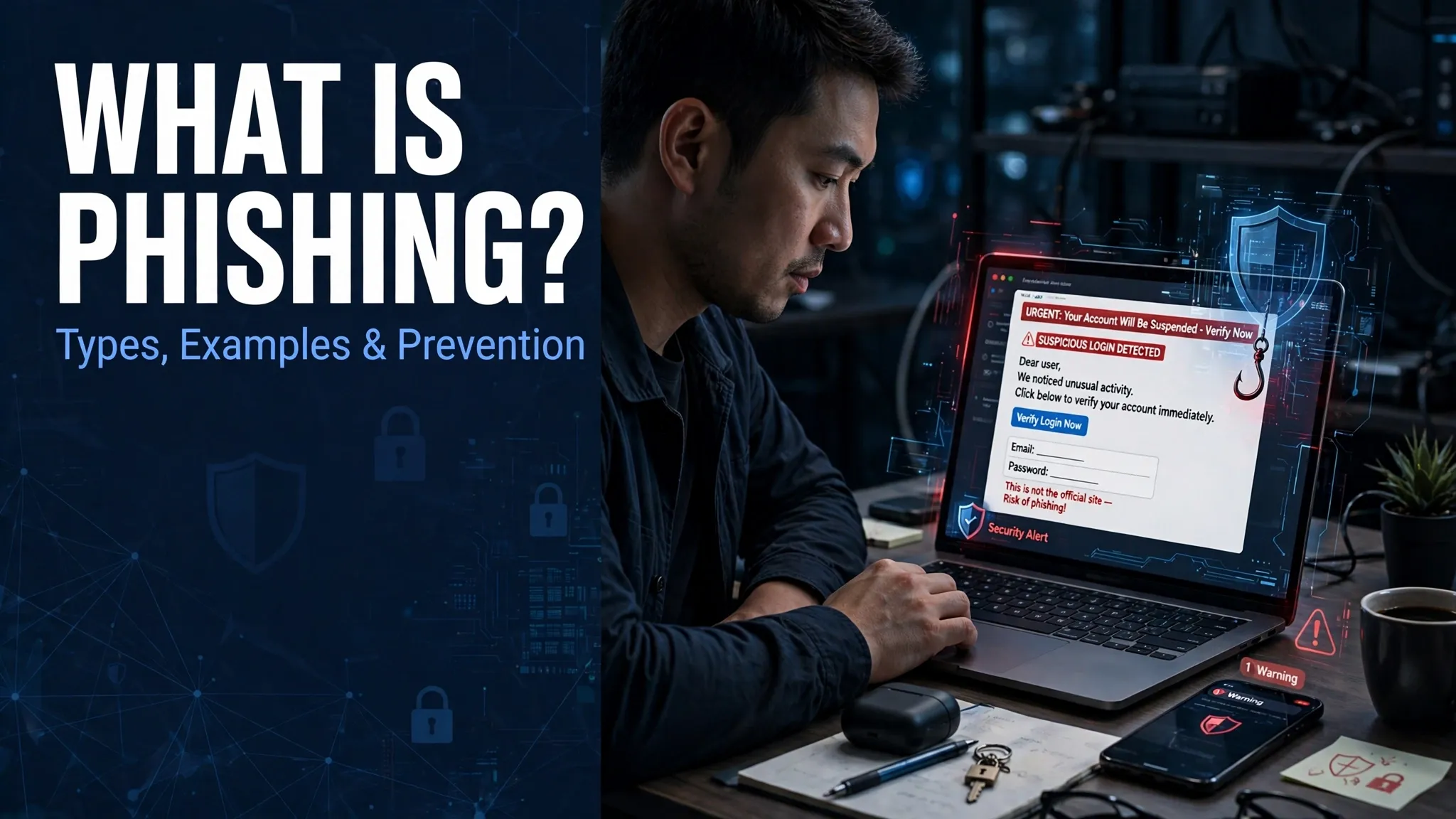
What Is Phishing? Definition, Examples, Types & Prevention
Phishing is an online scam in which cybercriminals pretend to be trusted people, banks or organisations to trick others into sharing private information. They often use fake emails, SMS messages, phone calls and websites to steal passwords, banking details and personal data. In Singapore, these scams may appear as bank security alerts, parcel delivery notifications or messages claiming to come from government agencies. A message can look genuine at first glance, but one wrong click may put your accounts at risk.
TL;DR: What Is Phishing?
Phishing is a type of online fraud where scammers impersonate trusted organisations to steal sensitive information. They may contact people through emails, SMS messages, phone calls or fake websites. Common forms include email phishing, spear phishing, smishing, vishing and QR code phishing. Never share your password or OTP through an unsolicited message, and verify unexpected requests through an organisation’s official app or website.
What Is Phishing?
Phishing Definition in Simple Words
The phishing meaning is simple: someone pretends to be trustworthy so they can trick you into giving away information or money. It is a form of social engineering, where cybercriminals use deception rather than directly breaking into an account. They may copy a bank’s name, use a familiar company logo or pretend to be a government officer.
The information they want can include your name, NRIC number, login credentials, credit card details or banking information. Stolen details may be used for identity theft, unauthorised payments or account access.
A legitimate organisation will not ask you to reveal your password or OTP through a suspicious message. If a request feels unusual, pause and check it through an official channel before responding.
How Does Phishing Work?
Most phishing attacks follow a simple pattern. The message may look different, but the aim is usually to make someone act before checking whether the request is genuine.
- A fake message is created: The attacker prepares an email, SMS, phone script or website that copies a trusted organisation.
- The message reaches the victim: It may claim that an account is locked, a parcel is delayed or a payment needs attention.
- The victim takes action: The person clicks a malicious link, scans a QR code, downloads an attachment or shares private details.
- The attacker misuses the information: Stolen passwords or OTPs may be used to access accounts, make transactions or collect further personal data.
How Phishing Links and Fake Websites Steal Information
A phishing link often opens a fraudulent website designed to look like a real bank, delivery service or government portal. The page may ask you to enter your username, password, card details or OTP.
Some fake websites copy the appearance of genuine login pages so closely that a quick glance may not reveal the difference. Their web addresses can contain extra words, misspellings or unusual domain endings. Once you submit your details, the information may go straight to the scammer. In some cases, a downloaded file can also install malware on your device.
Common Types of Phishing Attacks
Phishing does not always arrive in your email inbox. Scammers use different communication methods, depending on who they want to target and what information they are after.
Email Phishing
The attacker sends an email that appears to come from a bank, online service or familiar company. It may contain a fake security alert, an unexpected invoice or a link to a fraudulent login page.
Spear Phishing
This is a targeted attack aimed at a particular person or organisation. The message may include the recipient’s name, workplace or job details to make the request feel personal.
Smishing (SMS Phishing)
Smishing uses fraudulent text messages. A scammer may claim that a parcel is waiting for payment or that a bank account needs verification. The message usually includes a link or a phone number.
Vishing (Voice Phishing)
Vishing happens through phone calls. The caller may pretend to be a bank employee, government officer or technical support worker and ask for private details or a money transfer.
Whaling and QR Code Phishing (Quishing)
Whaling targets senior executives or people with access to business funds and confidential records. Quishing uses harmful QR codes that send people to fake websites or payment pages.
| Phishing type | How it works |
|---|---|
| Email phishing | Fake emails |
| Spear phishing | Targeted messages |
| Smishing | Fraudulent SMS |
| Vishing | Fake phone calls |
| Whaling | Executive targeting |
| Quishing | Malicious QR codes |
Common Phishing Examples in Singapore
Phishing scams in Singapore often borrow familiar names and services. A message may mention a bank account, parcel delivery or government matter to make the recipient feel that action is needed. The examples below reflect known scam patterns; the sample situations are illustrative, not claims about a particular victim.
DBS and POSB Bank Phishing Messages
A message may claim that a DBS or POSB digital token needs activation, or that unusual activity has been detected on an account. It may direct the recipient to a fake banking page and ask for login details or an OTP. Singapore Police advisories have warned about phishing attempts impersonating banks, including messages sent through digital messaging services. Never use a link in an unexpected alert to sign in. Open the bank’s official app or contact the bank using its published number.
SingPost Parcel Delivery Phishing
A fake delivery notification may say that a parcel could not be delivered because the address is incomplete or a small redelivery fee is outstanding. The link may lead to a website asking for personal or card details. If you are expecting a parcel, check its status through the delivery company’s official service rather than the message.
Government Impersonation Phishing
Scammers may pose as government officers and send fake tax notices, account warnings or investigation messages. Some may threaten penalties or legal trouble unless the recipient responds quickly. A government name or logo does not prove that a message is genuine. Verify the claim through the agency’s official contact details.
PayNow and Online Payment Scams
A fraudulent payment message may claim that money is waiting to be received or that a PayNow transaction needs confirmation. A QR code could also lead to a fake payment page. Check the recipient’s name and transaction details in your banking app before approving any payment.
How to Recognise a Phishing Scam
A phishing message may look polished and may even use the correct logo. Look at what the sender is asking you to do, not just how professional the message appears.
Common Warning Signs of Phishing
- Suspicious sender: The email address or phone number does not match the organisation it claims to represent.
- Urgent warning: The message threatens account closure, a fine or a missed delivery unless you act immediately.
- Strange website address: The URL contains spelling mistakes, extra words or an unfamiliar domain.
- Password or OTP request: The sender asks you to share login details, card information or a one-time password.
- Unexpected attachment: An unrequested file asks you to download or open it.
- Unusual payment request: You are asked to pay a fee or transfer money through an unfamiliar method.
| Warning sign | What it may indicate |
|—|—|
| Unknown sender | Suspicious identity |
| Urgent warning | Pressure tactic |
| Strange URL | Fake website |
| OTP request | Credential theft attempt |
| Unexpected attachment | Potential malware |
How to Prevent Phishing Attacks
A few careful habits can make phishing attempts harder to pull off. Take a moment to check a request before clicking, paying or sharing information.
Verify the Sender Before Responding
Check the full email address, phone number and message details. If a bank or agency contacts you unexpectedly, reach it through the contact information on its official website or app.
Check Links Before Clicking
Read the full website address before opening it. On a computer, you can hover over a link to preview its destination. On a phone, avoid opening unexpected links and visit the service directly through its official app.
Use Strong Passwords and MFA
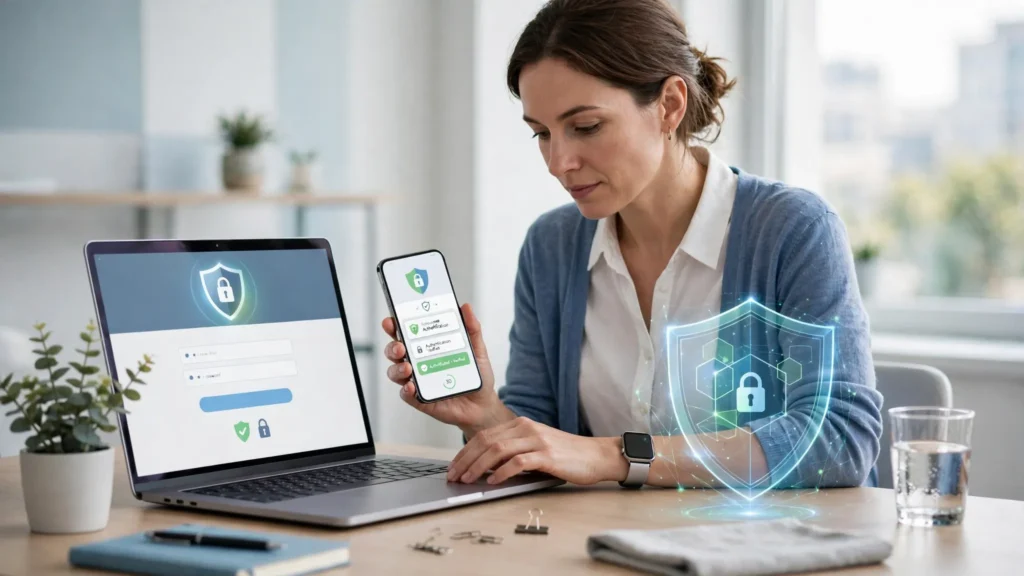
Create different passwords for your accounts. A password manager can help you keep track of them. Turn on multi-factor authentication (MFA) or two-factor authentication (2FA) wherever available.
Avoid Sharing OTPs and Banking Details
Never give an OTP, banking password or card security code to someone who contacts you unexpectedly. A caller claiming to be a bank employee does not need your password.
Keep Devices and Apps Updated
Install updates for your phone, computer, browser and apps. Updates can fix security weaknesses that attackers may try to exploit.
Use ScamShield and Official Security Resources
People in Singapore can use ScamShield to check suspicious messages, phone numbers and links. Use your bank’s official app for account checks, and rely on trusted government resources for scam alerts.
What to Do If You Click a Phishing Link
Clicking a suspicious link does not always mean your account has been compromised. What matters now is what happened next. Close the page and do not enter any more details.
| Situation | Immediate action |
|---|---|
| Clicked a link | Close the suspicious page |
| Shared password | Change it through the official website and update any reused passwords |
| Shared banking details | Contact your bank immediately |
| Shared OTP | Contact your bank immediately and check recent transactions |
| Downloaded a file | Do not open it; run a security scan and seek technical help if needed |
If money has been taken, contact your bank’s fraud team straight away and report the loss to the Singapore Police Force. Keep screenshots and message details if it is safe to do so. If you used a work device, tell your organisation’s IT team.
How to Report Phishing in Singapore
Report Suspicious Emails to SingCERT
SingCERT, Singapore’s Cyber Emergency Response Team, accepts reports about phishing emails and websites. Follow its official reporting instructions and provide the suspicious email details where requested.
Use ScamShield to Check Suspicious Messages
ScamShield can help check suspicious messages, phone numbers and links. If you are unsure about a possible scam, call the ScamShield Helpline on 1799. It is available 24 hours a day.
Contact Your Bank and Singapore Police Force
If you shared banking details or notice an unauthorised transaction, contact your bank through its official fraud channel immediately. If you lost money or believe a crime has taken place, make a police report. Reporting a suspicious email to SingCERT is not a replacement for contacting your bank or reporting a financial loss to the Police.
Frequently Asked Questions About Phishing
What Is Phishing in Simple Words?
Phishing is an online scam where someone pretends to be trustworthy to trick you into sharing private information, passwords or banking details.
What Is a Common Example of Phishing?
A fake bank email asking you to verify your account through a link to a fraudulent login page is a common example.
Can Phishing Happen Through SMS?
Yes. SMS phishing, also called smishing, uses fake text messages to trick people into opening links, sharing details or making payments.
How Can I Identify a Fake Bank Message in Singapore?
Check the sender and website address. Do not use unexpected login links, and verify account alerts through your bank’s official app.
What Should I Do If I Share My OTP?
Contact your bank immediately, report the incident, check recent transactions and follow the bank’s instructions to secure your account.
Conclusion
Phishing scams rely on trust and rushed decisions. Check unexpected messages, protect your passwords and never share OTPs. In Singapore, use ScamShield, contact your bank quickly if details are exposed, and report suspected cybercrime through the proper channels.